
The first article covered what CMiC is. This one is about the single mechanic that costs real money when nobody is watching it.
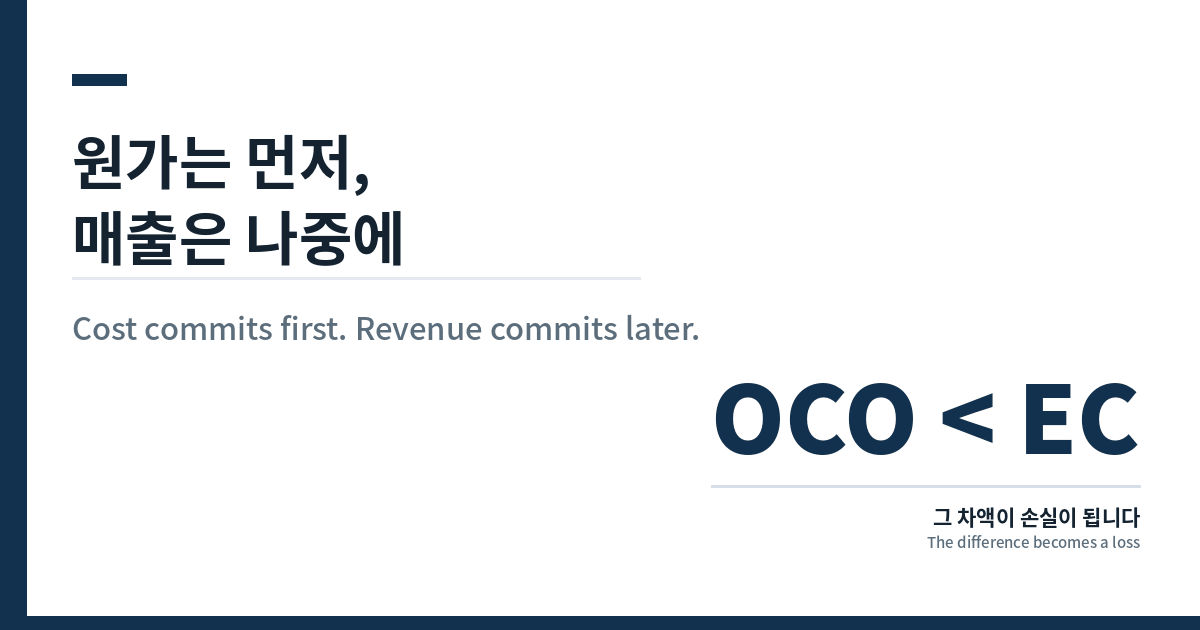
It is not complicated. Cost gets locked in before revenue does. If you have not read why CMiC is the ledger rather than another field tool, that is the starting point. Everything below follows from that one sentence.
Two paths, and only one of them creates a commitment
A change starts as a PCI — a Potential Change Item. On the PCI detail line, two different fields do two different jobs:
- Final Amount adjusts the job cost budget for that cost code
- Billing Amount adjusts the revenue on the owner contract
Post an external PCI — CMiC calls the type EXT, or External CO — and both move. Cost budget up, expected revenue up. Internal PCIs (INT) only touch the cost budget and leave the owner contract alone.
But here is what the PCI does not do. It does not create a commitment. No vendor is on the hook yet. The commitment appears only when you go the next step:
PCI → SCO or a new subcontract → post → committed cost
CMiC’s own subcontract documentation is blunt about it: posting a subcontract is what updates committed costs against the job. Until that happens, the job shows budget with nobody contracted to do the work — and the cost status query exposes that gap directly.
The timing problem
In a tidy world you raise the PCI, wait for the owner to approve the change, and only then send out the subcontract. Revenue confirmed, then cost committed, in that order.
That is not how schedules work. The work needs to start. The sub needs to mobilise. So the subcontract goes out while the owner change order is still moving through approval.

The moment that subcontract is posted, your cost is real. It is contracted, it is in the ledger, and you cannot negotiate it down because the sub already has a signed number.
Your revenue is still an estimate — whatever the EC said it would be. It becomes real only when the OCO (Owner Change Order) is approved.
What happens if the OCO comes in low
Sometimes the owner approves less than the EC value. Scope gets trimmed in review, a line gets disputed, a rate gets negotiated down.

The difference is a loss. Not a variance to be recovered later — a loss, because the cost side has no give in it. The subcontract is signed at the number it was signed at.
This is the part worth internalising early. The exposure is not created by the owner cutting the number. It is created by the gap in time. If the OCO had landed before the subcontract went out, you would have priced the sub against an approved amount, or gone back and rescoped.
The advice is not do not do it
It would be easy to end here with a rule: never commit before the OCO. That rule is useless, because in a real schedule you often cannot wait, and everyone senior to you already knows that.
The useful version is different. Proceeding early is a normal commercial decision. Not knowing how much you are exposed is not.
So the number worth tracking, and the one worth putting in front of a PM, is this:
How much EC value is committed on the cost side and still has no approved OCO behind it?
That is a single figure. It goes up when a subcontract is posted against an unapproved change and goes down when the OCO lands. Nobody will ask you for it. Bringing it unprompted is one of the fastest ways to be useful in a coordinator role.
Which columns show you this
The cost status query in Budget & Cost Management has thirteen columns. Most of them exist to explain the others.

| Column | What it answers |
|---|---|
| Current Budget | What am I authorised to spend, after posted changes |
| Committed | What is already contracted to vendors and cannot be walked back |
| Spent/Committed | What is effectively gone — spent plus contracted-but-unspent |
| Calculated Projection | Where this cost code lands when the job finishes |
A quick way to read a line: if Current Budget went up but Committed did not, a change has been budgeted and nobody has been contracted yet. That is the safe direction. The uncomfortable direction is Committed rising against a change whose OCO has not been approved.
What to actually do
- Before a subcontract goes out against an unapproved change, write down the EC value you are committing against
- Keep a running total of committed-without-OCO across the job
- Raise it in the PM report rather than waiting to be asked
- When the OCO lands, compare it to the EC. If it came in low, the variance is already real — flag it in that reporting cycle, not at closeout
None of this requires authority you do not have. It requires noticing a gap the system already shows you. If you are still deciding which tools to learn, the field-layer comparison is a separate question — and whether any of this gets automated away is one I have written about elsewhere.
Next, in the final article: the other place the numbers drift — when the monthly progress bill and what accounting has actually paid stop agreeing, and why catching it before the client does matters more than the amount.
Where the changes discussed here actually originate, and the order in which an RFI response turns into an SI and then a change order, is covered in RFI in Canadian Construction. That post is the front end of this one.